
Communicate visually and easily with screen capture, image, and video editing
Camtasia® screen capture software and solutions help you create and share images and videos for better training, tutorials, lessons, and everyday communication. Powered by TechSmith, available from Insight.
Show what you know with TechSmith's flagship products Camtasia and Snagit.
Camtasia screen capture software and video editing tools are workplace must haves, especially in today’s increasingly remote work environments.
Camtasia Snagit
Camtasia Snagit® lets you quickly capture images or videos of a process, add commentary, and share them immediately.
Camtasia Editor
Camtasia Editor is a complete screen recording and video editing tool ideal for tutorials, sales, and software demos.

Camtasia Snagit: The most efficient way to communicate at work
Workplace technology is changing fast, and teams must work harder to communicate clearly and efficiently. With screenshots and visuals created in Snagit, you can demonstrate processes and explain concepts with less confusion. Snagit helps bring clarity to every message and demonstration.
Snagit’s powerful, easy-to-use features
Snagit screen recording and capture tools can make anyone proficient at image editing.
- Quickly edit screenshots and images, then combine them using pre-made, professional templates to create job aids and how-to documents.
- Need a video? Record your screen or combine images into videos with narration and visual markup.
- When finished, save files locally or share directly to Google Drive, Slack, YouTube, and more.
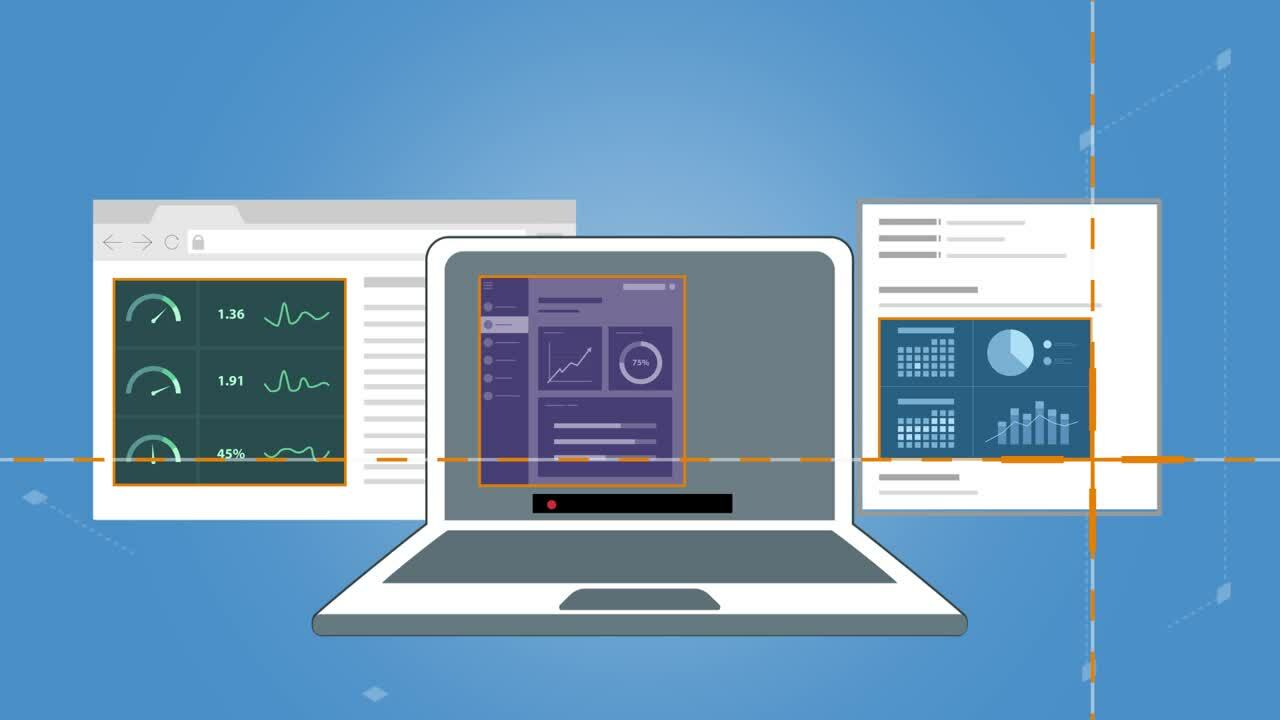
Powerful, easy-to-use features with Snagit
Snagit has features that make anyone a pro at image editing. Quickly edit screenshots and images. Combine them in pre-made, professional templates to create job aids and how-to documents. Need a video? Record your screen or combine images in videos with narration and visual markup. When you're done, save the images and videos as a file or share them straight to places like Google Drive, Slack, YouTube and more.
Camtasia Editor: Create engaging video content.
Turn your ideas into captivating videos faster with this all in one screen recorder and video editor. Camtasia Editor’s intuitive tools make it easy to communicate your message and bring your vision to life.
- Record your screen and import video and image content.
- Use drag-and-drop tools to add transitions, animations, text, and callouts.
- Create software demos, tutorials, presentation recordings, and training videos, even as a beginner.
More ways Camtasia makes communication easy
Camtasia Audiate
- Speed up video and audio editing with AI.
- Edit video and audio like a document using text‑based editing.
- Choose from a range of AI avatars and voices to present text scripts as audio.
- Effortlessly enhance audio with professional‑grade effects and noise removal.
Assets for Camtasia
- Create more compelling stories with millions of royalty‑free video, audio, and image assets.
- Access customizable templates, titles, and lower‑thirds to create professional‑quality videos.
- Unleash creativity with a vast library available directly in Camtasia.
- Enjoy unlimited access and use assets as often as needed.
Assets for Snagit
- Create stunning visuals with Snagit Assets, a comprehensive library of royalty‑free content.
- Turn screenshots into polished, professional reference materials.
- Create a consistent look with icons and symbols that add emphasis and clarity.
- Improve content quality with a wide range of royalty‑free images.

Screencast Pro
- Share videos created in Camtasia using Screencast, a cloud-based video collaboration solution .
- Create and share video collections with viewers, collaborators, or external audiences.
- Make feedback clearer with titles, descriptions, and chapters added directly to videos.
- Generate ADA‑compliant closed captions to support accessibility.