Knowledge base
Using enhanced search and product
comparison features
By Insight Editor / 7 Jan 2023 / Topics: Featured
We’ve enhanced insight.com search and product comparison features for all logged-out users. These improvements offer a smart, fast and easy way to find products and make informed purchasing decisions.
Currently, all logged-out users and select logged-in users can use these improvements. If you haven’t transitioned to our streamlined logged-in experience, you’ll still be able to browse and compare products using these new features and even add them to your cart before logging in.
Any products you add to your cart will remain when you log in. Upon log in, your experience, including search and product comparison, will transition to your standard procurement account where all your existing features and settings will be available.
We’ll be offering all account types and new accounts the opportunity to use our streamlined purchasing experience soon.
Using the new insight.com search
We’ve deployed a machine learning-based search solution that streamlines filtering, improves search result accuracy, and more.
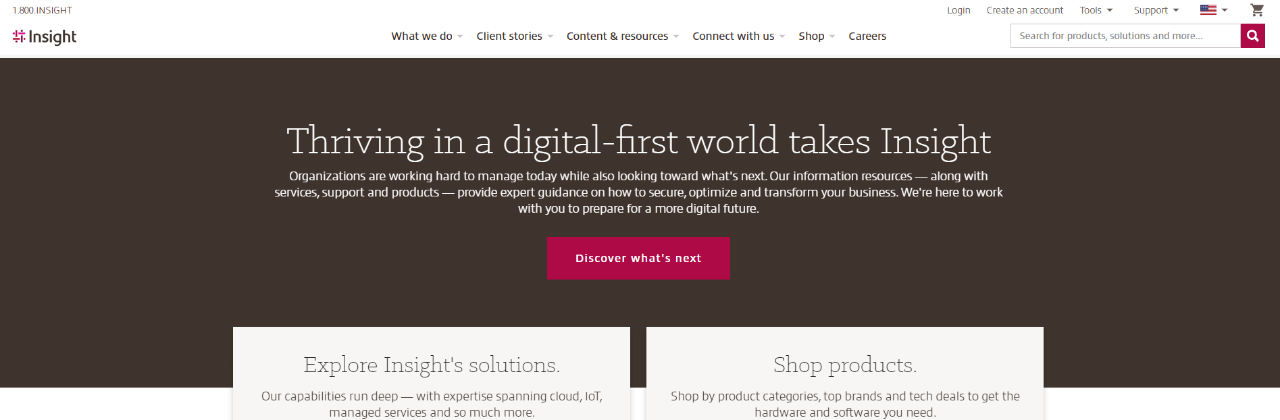
You’ll be able to access our new product and content search capabilities using the refreshed search bar at the top of any insight.com page, or simply by browsing through our categories.
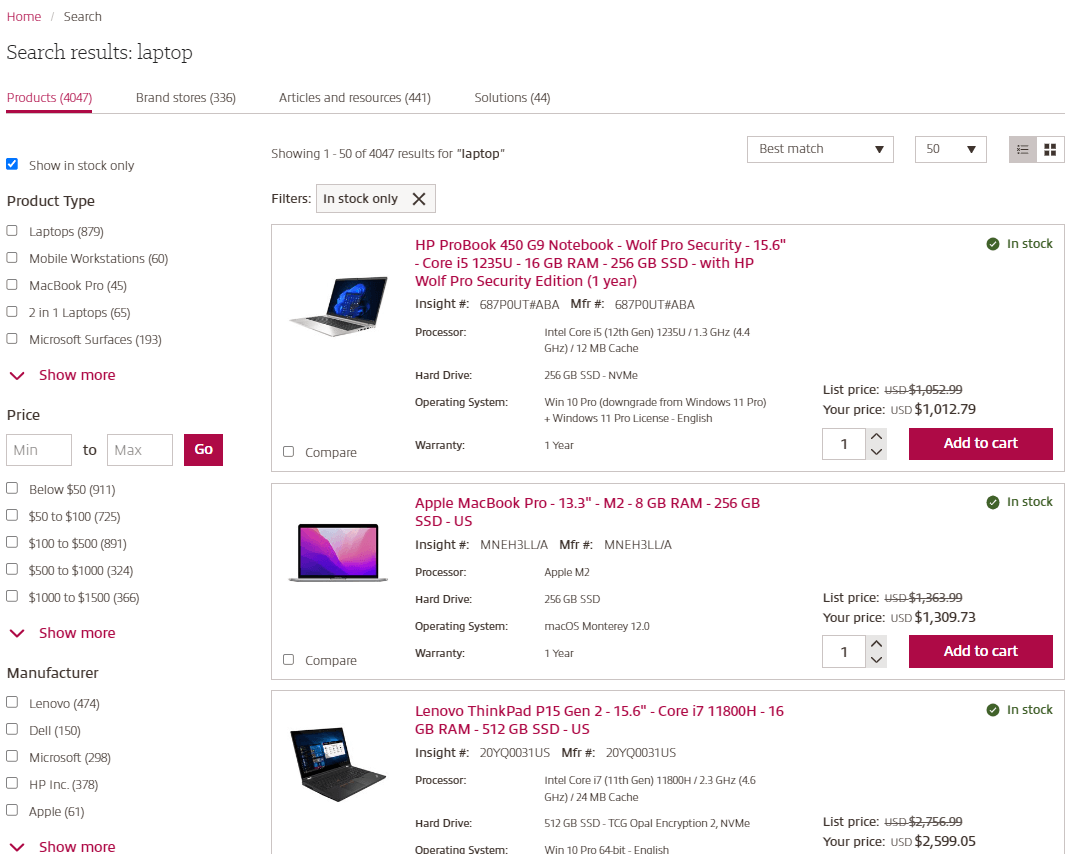
When browsing products on the results page, you’ll now receive real-time product recommendations and have access to several filters, including:
- In stock only
- Product type
- Price
- Manufacturer
- Product line
- Condition
- Type
- Screen size
Navigating enhanced product descriptions and comparisons
We’ve made many new improvements to the product detail pages and the product comparison feature, including:
- Options to compare up to four products and add them directly to your cart from the improved comparison menu.
- Enhanced product information and in-depth reviews and ratings to help with your purchasing decisions.
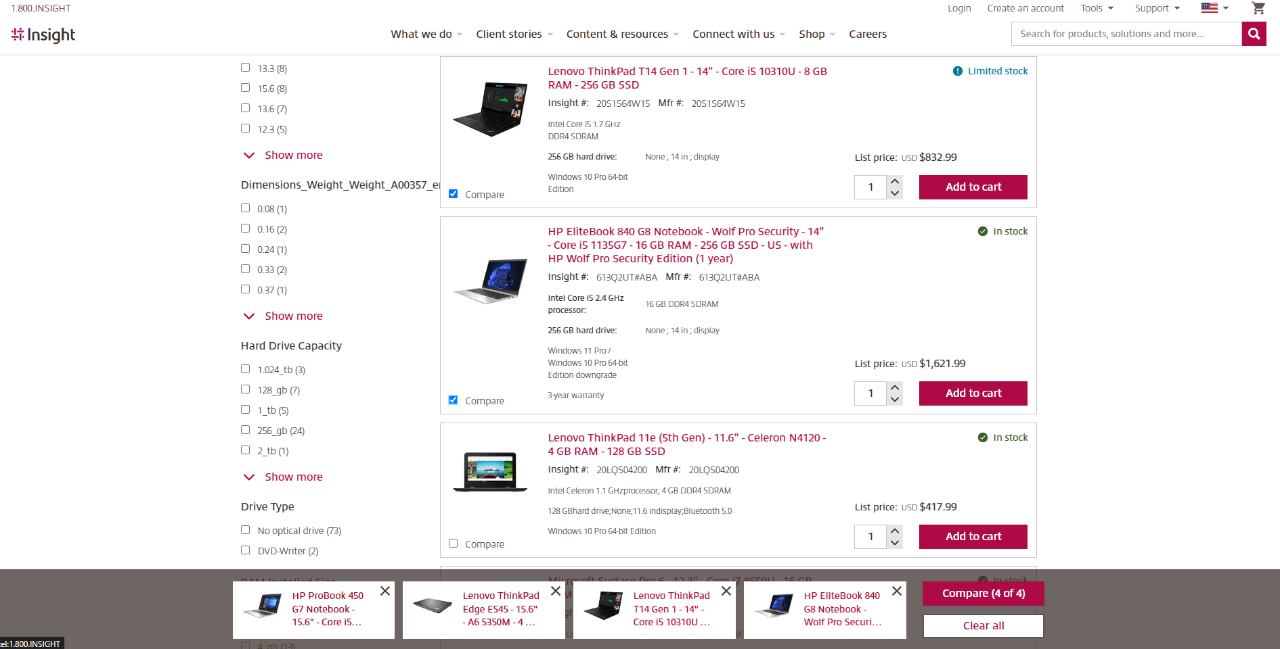
You can access the product comparison tool by either:
- Selecting the compare button at the bottom left of the search results page.
- From a product page, select the compare button at the bottom right of the screen.